01
Know the boundary
TradeRegimen is educational decision-support software. It organizes your rules and context, but it does not provide personalized investment advice or place, block, or manage broker orders.
START HERE
This path connects the seven decisions most new TradeRegimen users need to understand, from setting risk limits to reviewing the week. Work through it once with your own rules, then return to the pieces that need attention.
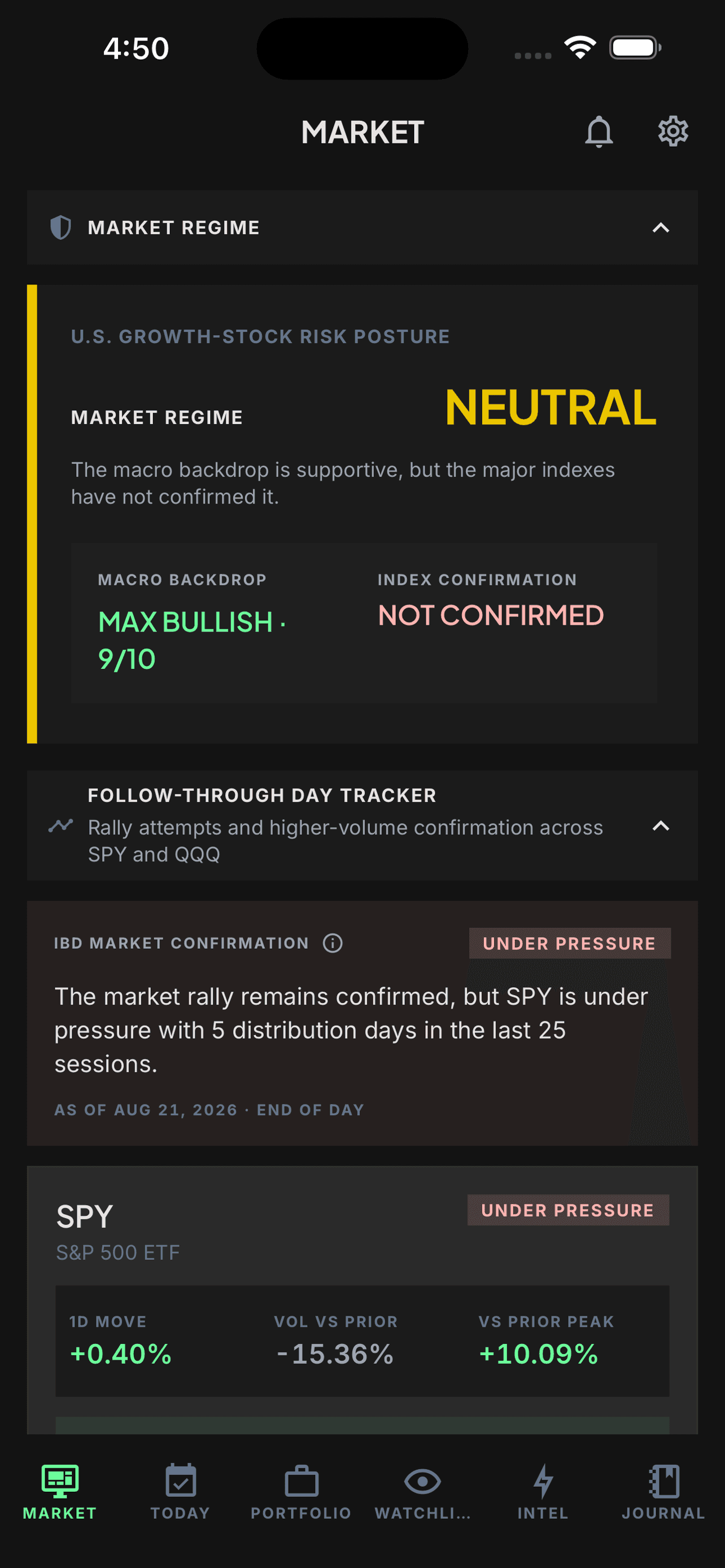
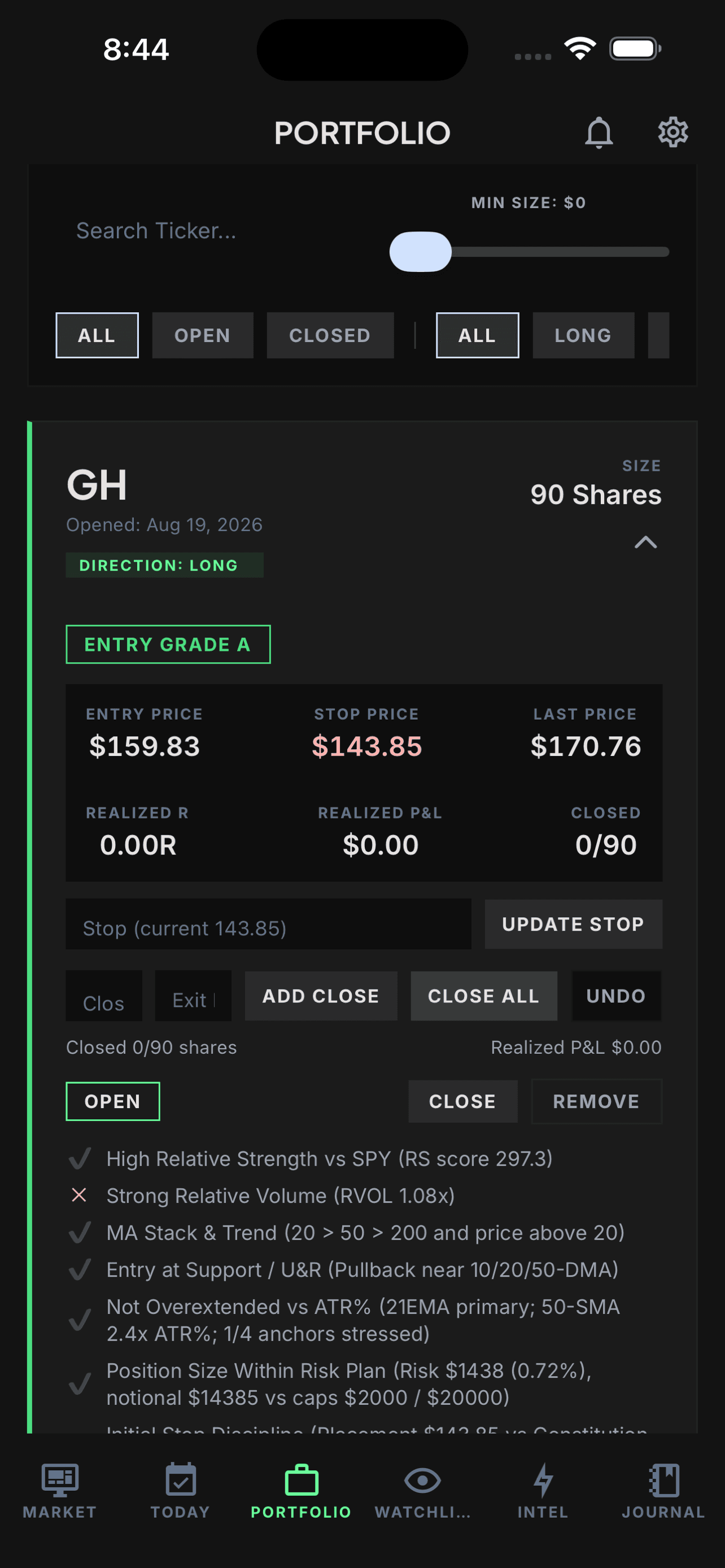
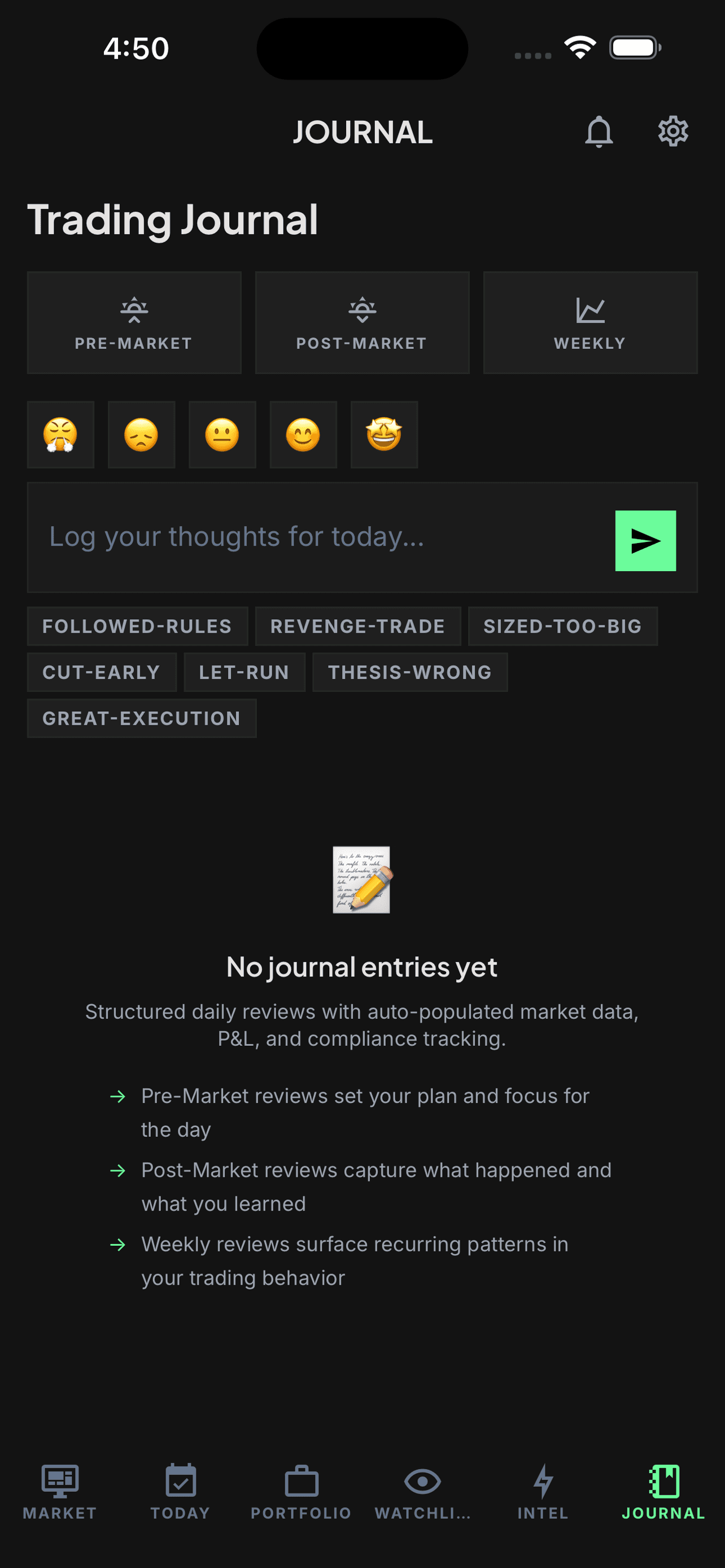
Screens use a seeded demo account and illustrative data. Market, broker, and third-party data may be delayed, incomplete, or wrong.
Constitution setup and the core Market Context summary are available on Free. Deeper market analysis, position tracking, pre-trade checks, Position Coaching, and Journal are Pro features. Review the current pricing and intro offer before starting those steps.
01
TradeRegimen is educational decision-support software. It organizes your rules and context, but it does not provide personalized investment advice or place, block, or manage broker orders.
02
Choose measurable limits for risk per trade, position value, daily and weekly loss, correlation, allowed setups, and scale-outs. Start conservatively and change a rule only after review.
03
Start with the core Market Context summary. Pro adds the component breakdowns, index trend rows, leading-sector detail, and theme rotation analysis. Context describes the environment; your saved rule determines whether it changes size or pauses a new entry.
04
Begin with one real workflow. Add a position manually, or use broker-assisted import if it is available for your eligible account. Check the portfolio coverage timestamp before relying on imported data.
05
Enter the planned price, stop, and size. Review the six Constitution checks and revise the proposal when needed. Where the workflow permits an override, the app logs the failed checks and acknowledgment; use Journal notes if you also want to preserve your reasoning.
06
Keep entry, stop, current R, configured scale-out levels, and current rule context together. Position Coaching shows the state of your configured plan; it does not tell you what order to place.
07
Separate outcome from process. Review weekly performance, best and worst trades, and flagged patterns such as winners cut early or tail losses. Add a note with one change to test next week.
FIRST SESSION
Educational software only. You remain responsible for every trading decision and brokerage order. TradeRegimen is currently available only to users in the United States.